
Day 3. 200 Cards. Zero Context. Sound familiar? There’s a better way to run your exhibition lead process.
It is Day 3 of the exhibition. Your booth has been buzzing for three days straight. Visitors have been walking in, asking questions, showing interest and handing you their visiting cards.
You now have a stack of 100+ cards on the table.
And then the questions begin:
- Which visitor asked specifically for pricing?
- Which one wanted a product demo next week?
- Who was the serious buyer and who was just browsing?
- Which company had an urgent requirement you discussed for 20 minutes?
Without context attached to each card, most of these leads quietly become dead leads. The follow-up never happens. The sale never closes.
“Yes this happens to us every single exhibition.”The problem is not your team’s effort. The problem is the tool or rather, the lack of one. A stack of physical visiting cards was never designed to manage sales leads. It was designed to exchange contact details. The moment you try to use it as a lead management system, it fails.
That is exactly what a visiting card scanner app built for exhibitions solves. But not all visiting card scanner apps are built the same way. If you are preparing for your next trade show, this guide will walk you through everything your team needs to know what to look for, what questions to ask, and how to make sure you capture every lead that walks into your booth.
Why Collecting Visiting Cards at Exhibitions Often Fails
Sales teams spend enormous amounts of money on exhibitions booth design, logistics, travel, staffing. Yet the most important output of any exhibition, the leads, is often the most poorly managed part of the entire operation.
Here is what usually happens.
Cards get mixed and shuffled across multiple team members working the same booth. No one knows who spoke to whom. The card that your best sales executive collected on Day 1 has no note attached to it by Day 3. Context is gone.
After the exhibition ends, someone has to sit down and manually type every card into a spreadsheet. That takes hours sometimes days. By the time the spreadsheet is ready, it is already too late. The buyer has either found another vendor or simply forgotten your conversation.
Industry data consistently shows that 79% of exhibition leads are never followed up. Not because sales teams do not want to follow up, but because the manual system makes it too slow, too chaotic, and too easy to miss.
The real cost is not just the lost lead it is the wasted exhibition investment. Every booth fee, every travel expense, every hour your team spent they are only worth something if the leads convert. And that requires speed, context, and follow-up discipline. None of those three things are possible with a stack of visiting cards.
What Is a Visiting Card Scanner App?
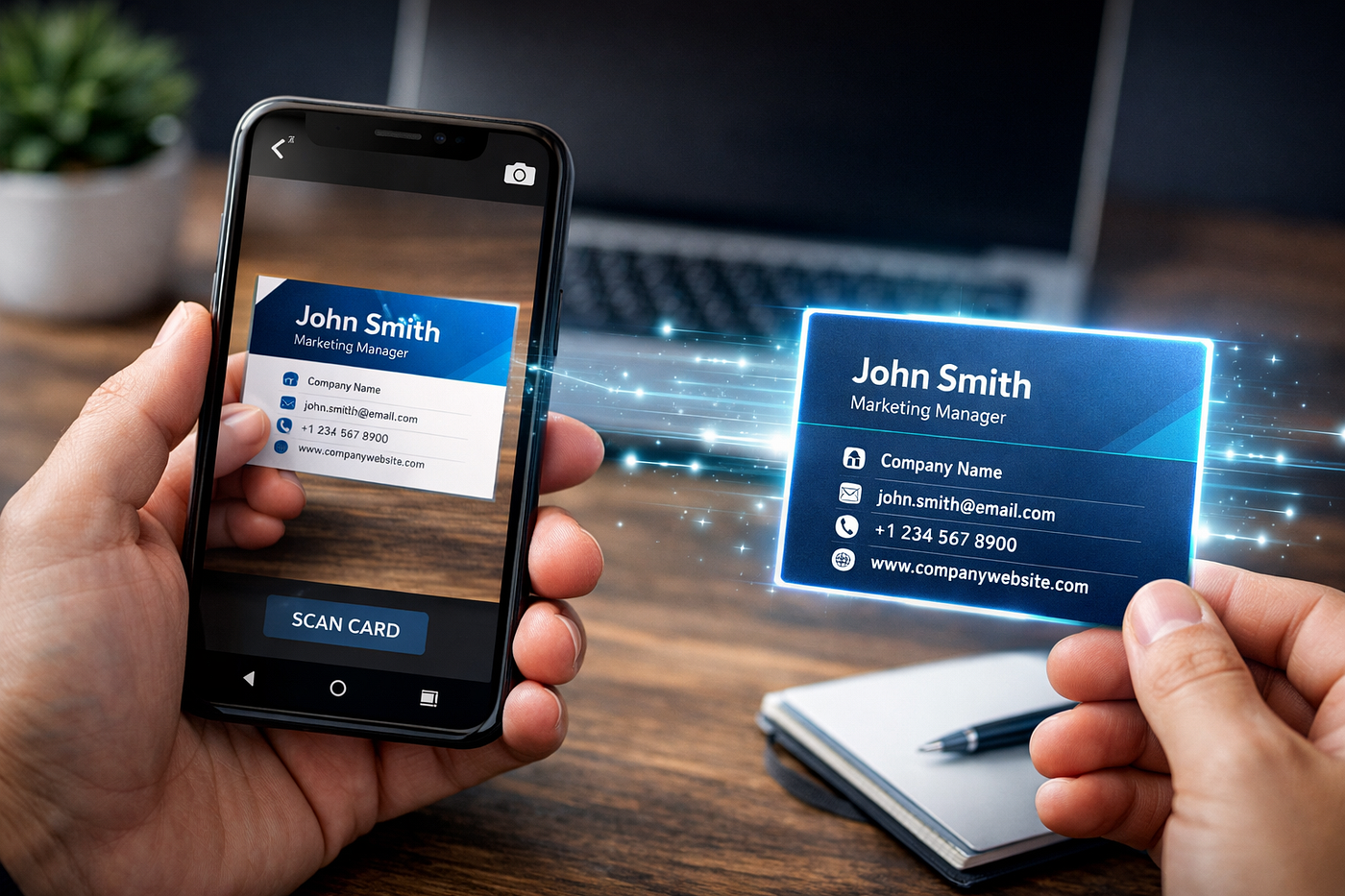
A visiting card scanner app is a mobile application that uses OCR (Optical Character Recognition) technology to instantly read, extract, and digitize the contact information printed on physical business cards. It captures details such as name, phone number, email address, job title, and company and saves them directly into a digital database, eliminating the need for manual data entry.
For exhibition teams, the best visiting card scanning apps go further than just digitizing contact details. They convert scanned cards into structured sales leads, allow team members to add notes and context, and organize everything inside a shared dashboard so your entire sales team is working from the same information.
Think of it as the difference between a phonebook and a CRM. A basic scanner gives you a phonebook. An exhibition-grade scanner gives you a live, actionable lead pipeline.
Why Exhibition Teams Need a Visiting Card Scanner App
Your exhibition team is not short on hard work. The challenge is always the system. At a busy exhibition booth, a sales executive is juggling conversations, product demonstrations, questions, and a constant flow of new visitors all at the same time.
There is no time to pause and manually enter contact details into a spreadsheet. There is no time to write detailed notes on the back of every card. And there is definitely no time to retrospectively reconstruct what each visitor wanted, once the exhibition is over.
A visiting card scanning app designed for exhibitions solves this by making lead capture a three-second action. You scan the card, add a quick note, and move on to your next conversation. The app handles the rest storing, organizing, and making that lead available to your entire team immediately.
Beyond individual capture, it also solves the team coordination problem. At a large exhibition, multiple team members are collecting leads simultaneously. Without a shared digital system, those leads are siloed on individual phones, individual notebooks, individual piles of cards. A centralized scanning app means every lead regardless of who captured it in one shared dashboard your manager can see in real time.
Key Features to Look for in a Visiting Card Scanner App
Not every visiting card scanner app is built with exhibitions in mind. Many are designed for individual use a freelancer scanning cards at a networking event. Exhibition teams have entirely different requirements. Here is what to look for:
One feature many teams overlook is notes capture at the moment of scanning. The richness of your follow-up depends entirely on how much context you capture while the conversation is still fresh. Any app that only captures card data without letting you add conversation notes will fail you in the follow-up phase.
How Sales Teams Use Visiting Card Scanner Apps During Trade Shows
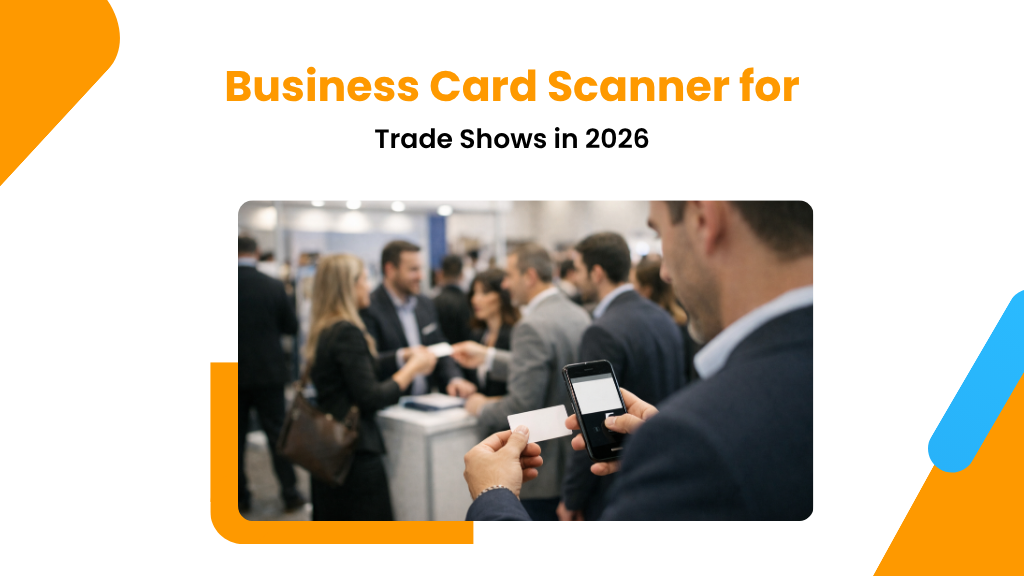
Understanding the actual workflow during a live exhibition helps you choose the right app and train your team properly. Here is a practical, real-world workflow that high-performing exhibition teams follow:
Visitor arrives at the booth
Your team member starts a conversation, hands over their own card, and receives the visitor’s visiting card in return the standard exchange that happens hundreds of times during an exhibition.
Scan the card immediately
While still in conversation or immediately after open the visiting card scanner app, point the camera at the card, and let OCR capture all details in under five seconds. No typing. No delay.
Add context and tags
Before moving to the next visitor, add a quick note: “Interested in Enterprise Plan”, “Requested pricing by EOD Friday”, “Hot lead decision maker”. This takes 10 seconds and makes all the difference in follow-up quality.
Lead syncs to shared dashboard
The scanned lead automatically appears in the team dashboard. Your sales manager watching from back-office can see every lead being captured in real time, assign them to the right follow-up executive, and prioritize accordingly.
Follow-up starts before the exhibition ends
The best teams do not wait for the exhibition to end before starting follow-ups. With a digital system, your inside sales team can begin reaching out to Day 1 leads while the exhibition is still running on Day 2.
This workflow sounds straightforward, but it represents a complete transformation from the traditional card-stack approach. The key insight is that lead capture and follow-up are no longer sequential activities they happen in parallel, dramatically improving conversion rates.
How QLead Helps Capture and Manage Exhibition Leads
QLead was built specifically for the problems exhibition teams face. It is not a generic contact manager with a scanning feature tacked on. Every part of it is designed around the reality of a busy trade show booth.
- Scan Scan any visiting card in seconds using OCR. The app extracts name, phone, email, company, and designation automatically no manual entry needed.
- Convert Every scanned card is automatically converted into a structured lead inside your team’s shared dashboard not just a saved contact, but an actionable sales lead.
- Organize Leads are stored in a centralized dashboard accessible to all authorized team members. Filter by date, event, tag, or follow-up status at any time.
- Assign Managers can assign individual leads to specific sales executives directly from the dashboard ensuring accountability and preventing leads from slipping through.
- Track Every lead’s follow-up journey is tracked who reached out, when, what the outcome was, and what the next action should be.
The result is a complete exhibition lead pipeline from the moment a card is scanned at the booth to the final conversion in your CRM.

Best Practices for Managing Exhibition Leads
Even with the right visiting card scanner app in place, how you use it determines your results. These are the practices that consistently separate high-performing exhibition teams from the ones who come back with a stack of unprocessed cards.
- Train your team before the event, not during it. Every team member should know how to scan a card, add a note, and tag a lead before they arrive at the booth. A 15-minute pre-event walkthrough prevents confusion during the actual show.
- Tag every lead with a follow-up priority. Not every visitor is equal. Hot, Warm, and Cold tags or priority numbers allow your follow-up team to sequence their outreach correctly and focus first on the highest-value leads.
- Designate one team member as the lead dashboard monitor. Someone should be watching the live dashboard throughout the event, assigning leads to the right sales executives in real time so follow-up can begin immediately.
- Follow up within 48 hours. Research consistently shows that exhibition leads go cold faster than any other lead type. The closer to real-time your follow-up is, the higher your conversion rate will be.
- Capture context notes on every lead, not just contact details. The visiting card gives you the how to reach someone. Your notes give you the why they should hear from you, and what exactly to say.
- Review the full lead list as a team before leaving the venue. A 20-minute debrief on the last day of an exhibition while memory is fresh can add critical context to leads captured without notes.
Common Mistakes Businesses Make When Handling Visiting Cards
Most exhibition lead losses are not caused by bad salespeople. They are caused by repeatable, avoidable mistakes in process. Here are the most common ones and why they matter:
- Collecting cards without adding any context. A visiting card tells you who someone is. It tells you nothing about what they want, what they discussed, or how urgent their need is. Without a note, every card looks identical and most get ignored.
- Waiting until after the exhibition to digitize leads. By the time a team sits down to process 200 cards on a spreadsheet, it has been 3–4 days. Leads that were warm on Day 1 are now cold. The 48-hour follow-up window has passed for every single one.
- Assigning all leads to one person. In most companies, the post-exhibition follow-up lands on one person’s plate usually the most senior sales executive. With hundreds of leads, this creates a bottleneck that guarantees many leads will be contacted too late or not at all.
- Using the same CRM entry template for all leads regardless of exhibition type. Different exhibitions attract different buyer profiles. Your lead fields and follow-up sequences should reflect the specific event context.
- Not reviewing lead quality at the end of each exhibition day. End-of-day reviews, even brief ones, help flag high-priority leads before they get buried under Day 2 and Day 3 additions.
- Relying entirely on WhatsApp for follow-up. Informal follow-up via personal WhatsApp messages feels fast, but it creates zero accountability and zero tracking. There is no way to know which leads have been contacted, what the outcome was, or what the next step should be.
Conclusion
Exhibitions represent one of the highest-cost, highest-potential sales activities that any business participates in. The energy spent on booth design, the logistics budget, the travel, the team hours all of it is only worth something if the leads generated at the event actually convert into revenue.
That conversion starts with how you capture and manage visiting cards from the moment they are handed over at your booth. The difference between a business that comes back from an exhibition with a live pipeline of 200 qualified leads and one that comes back with a stack of unprocessed cards is almost entirely a difference of process and tooling.
A good visiting card scanner app one built specifically for exhibitions gives your team the ability to capture, contextualize, organize, and act on every single lead your booth generates. It replaces the manual, error-prone, context-free card stack with a structured, searchable, team-wide lead system.
Before your next trade show, invest 15 minutes in setting up the right visiting card scanning app for your team. The leads you do not lose are the leads most likely to convert.
Leave a Reply